The Limit tool can be used to reduce the size of your dataset. It can be useful if you’re working with large datasets and want to increase the performance while you’re building your model. Once you’re model is ready for production, you can always remove the Limit tool again to ensure that your model is using the full dataset.

Configuration

1

Input Row Limit

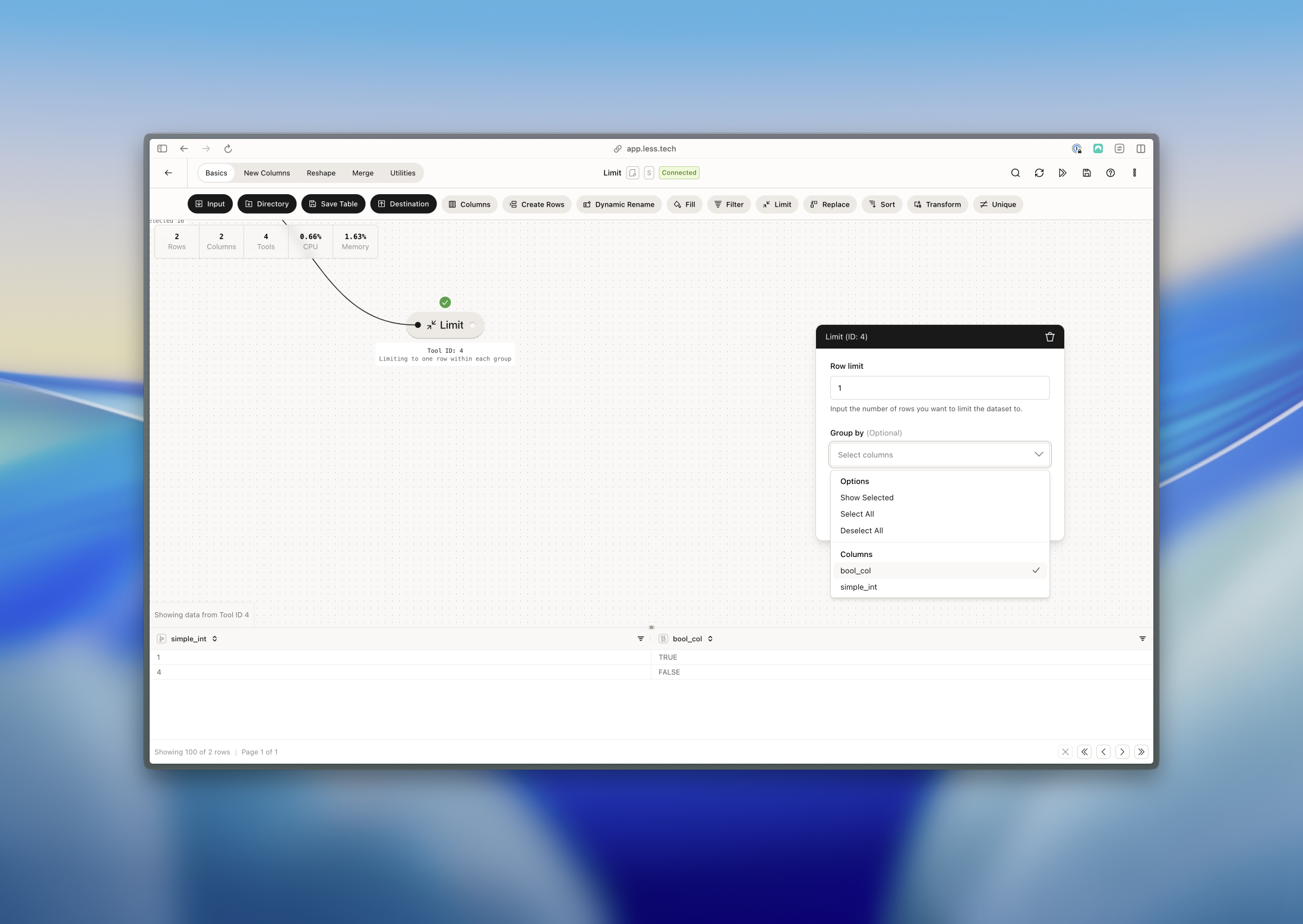
All you have to do is input the number of rows you would like to reduce you dataset to.
2

Group by (optional)

If you want to limit the dataset within a group, you can select the group by column(s) here.

Example: Limiting within a group

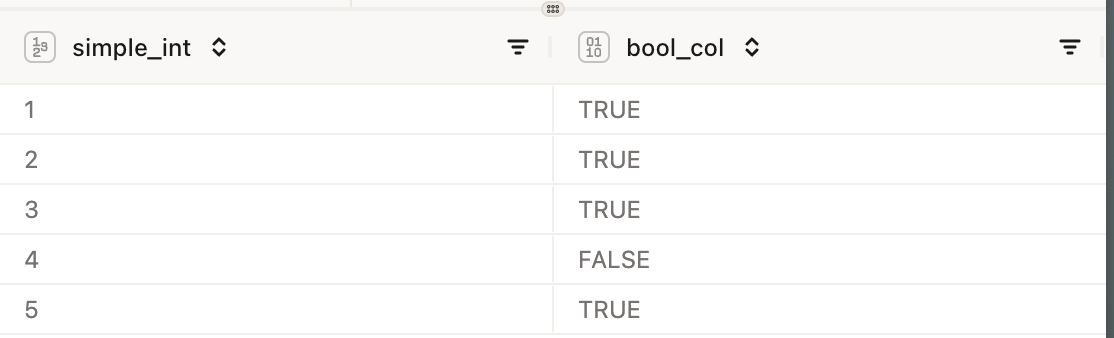
Imagine we have a dataset that looks like this: We want to limit the dataset to 1 row per group (true and false in the bool_col column). We can do this by selecting the group by column and then selecting the limit tool.