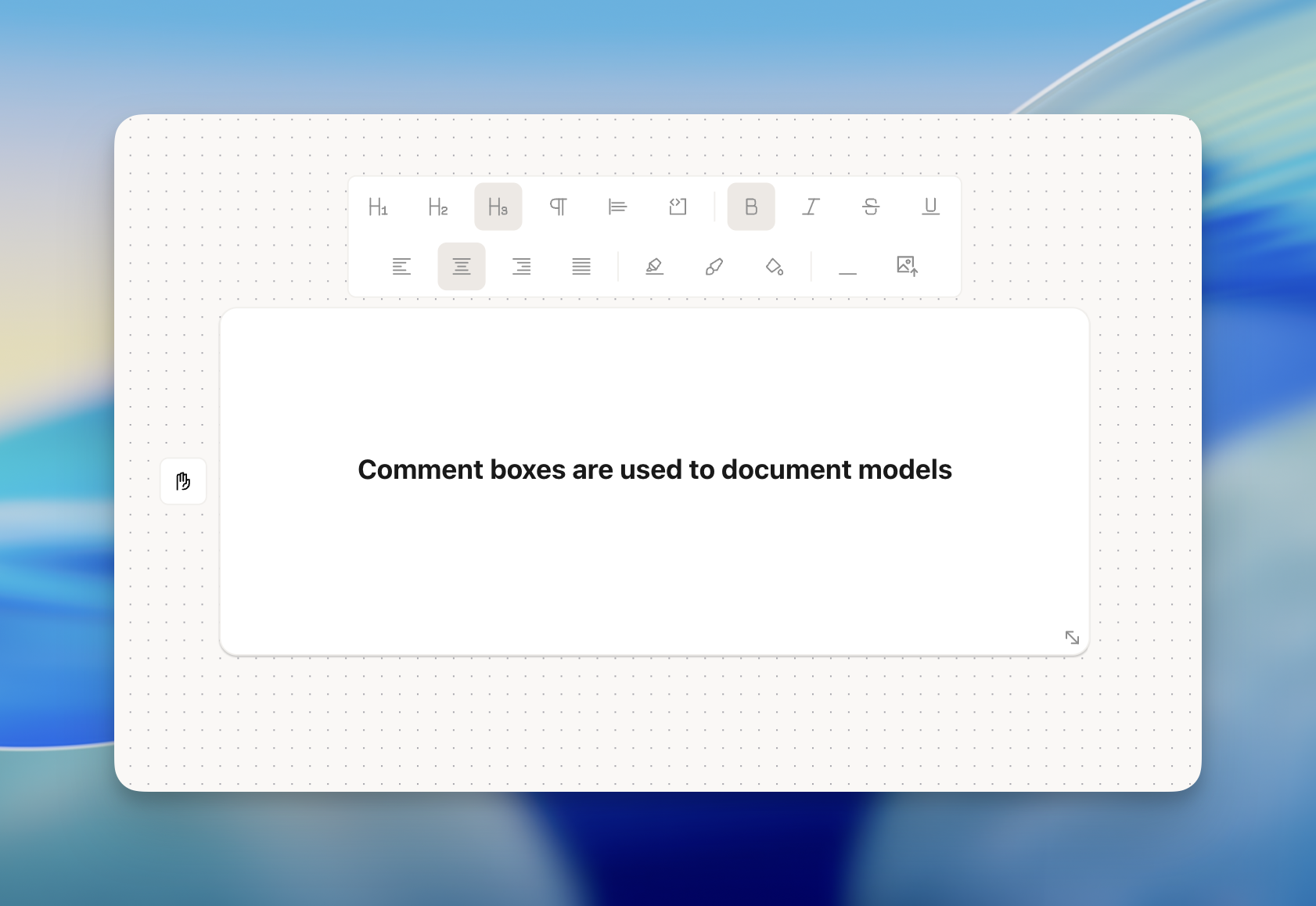
Skip to main contentThe Comment tool is simple. It can be used to add documentation on the Canvas. Some use it to help colleagues understand workflows more easily while other use cases simply requires documentation.
You can do the following this in the Comment tool (top-left to bottom-right):
- Large header text
- Medium header text
- Small header text
- Paragraph text
- Blockquote
- Code-block
- Bold text
- Italic text
- Strikethrough text
- Underline text
- Align text left
- Align text center
- Align text right
- Align text justify
- Adjust highlight text color
- Change font color
- Change background color
- Add horizontal divider
- Add image
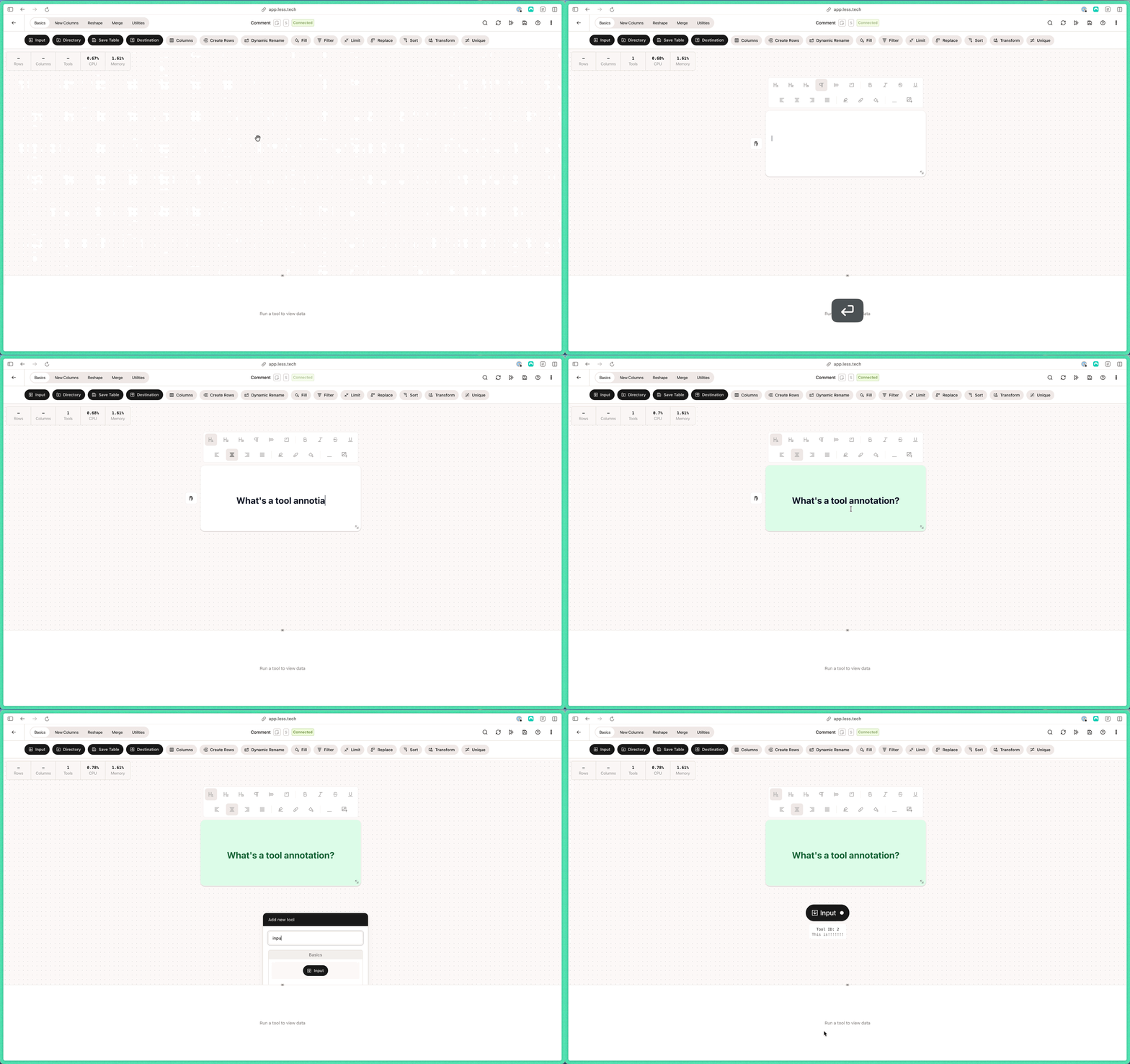
You can drag the comment box with the hand icon on the left side of the comment box. You can adjust the size of the comment box with the resize icon on the bottom right of the comment box.
Note that you can also change the annotations of tools. Generally, we recommend using Comment tools to document multi-tool processes and the tool annotations to document single-tool logic.
