

Sessions
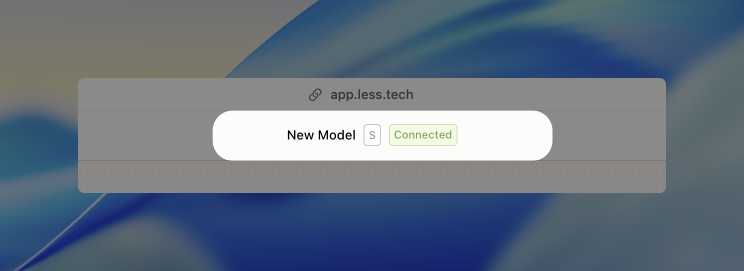
The first thing you need to know about when creating a new Canvas are sessions. When you open a new Canvas, we start creating a new session dedicate to you. A session is basically a server optimized for data analytics that we provide to you.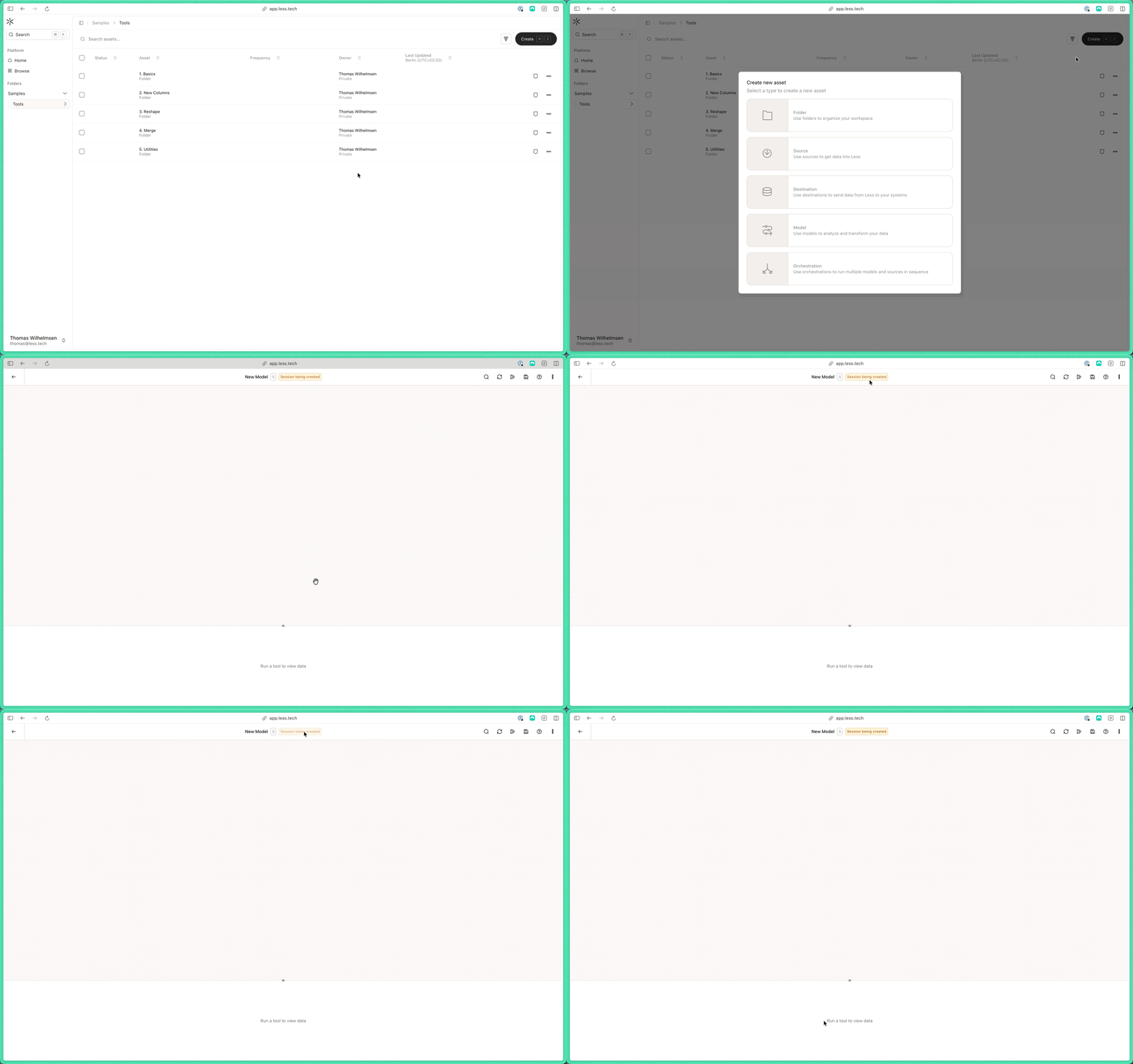
Building a model
Now that you have your session, you can start building your model. That typically starts with an Input, Directory or Manual Input tool.
You can also view the demo in full screen here.
Read more about all the tools here. Check out the Academy if you want to get started building.