A typical workflow
You start working on a model. Because you listen to our recommendation, you save it as a draft quite regularly. You get to a point where you’re happy with your work but the model is not quite ready. You save a version and attach a comment to it. The next day, you begin working again and this time you finish your model. You publish the model, attach a comment to it and schedule it. After a few days, one of your team members has a comment to the output. You open the published model, make a change and we’ll automatically create a new draft for you. You work on that draft for a few days. In the mean time, the current published model runs without impact. When you’re ready to publish your adjusted model, you can simply publish the draft and it will overwrite the previous published version. Your new version is now the published and hence, scheduled version. You can always access the last 5 auto-saves should you loose your work while building your model.See and compare versions
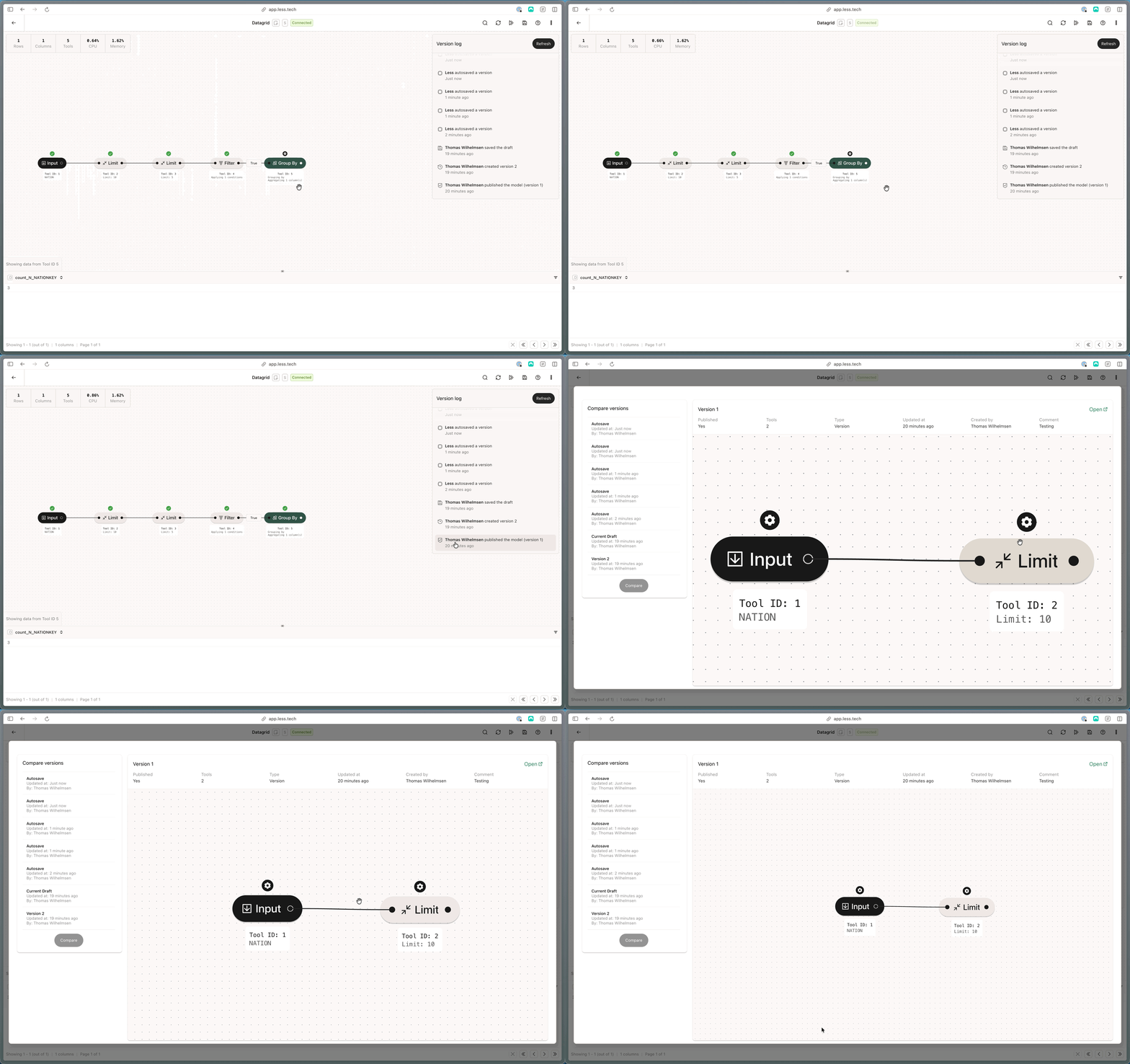
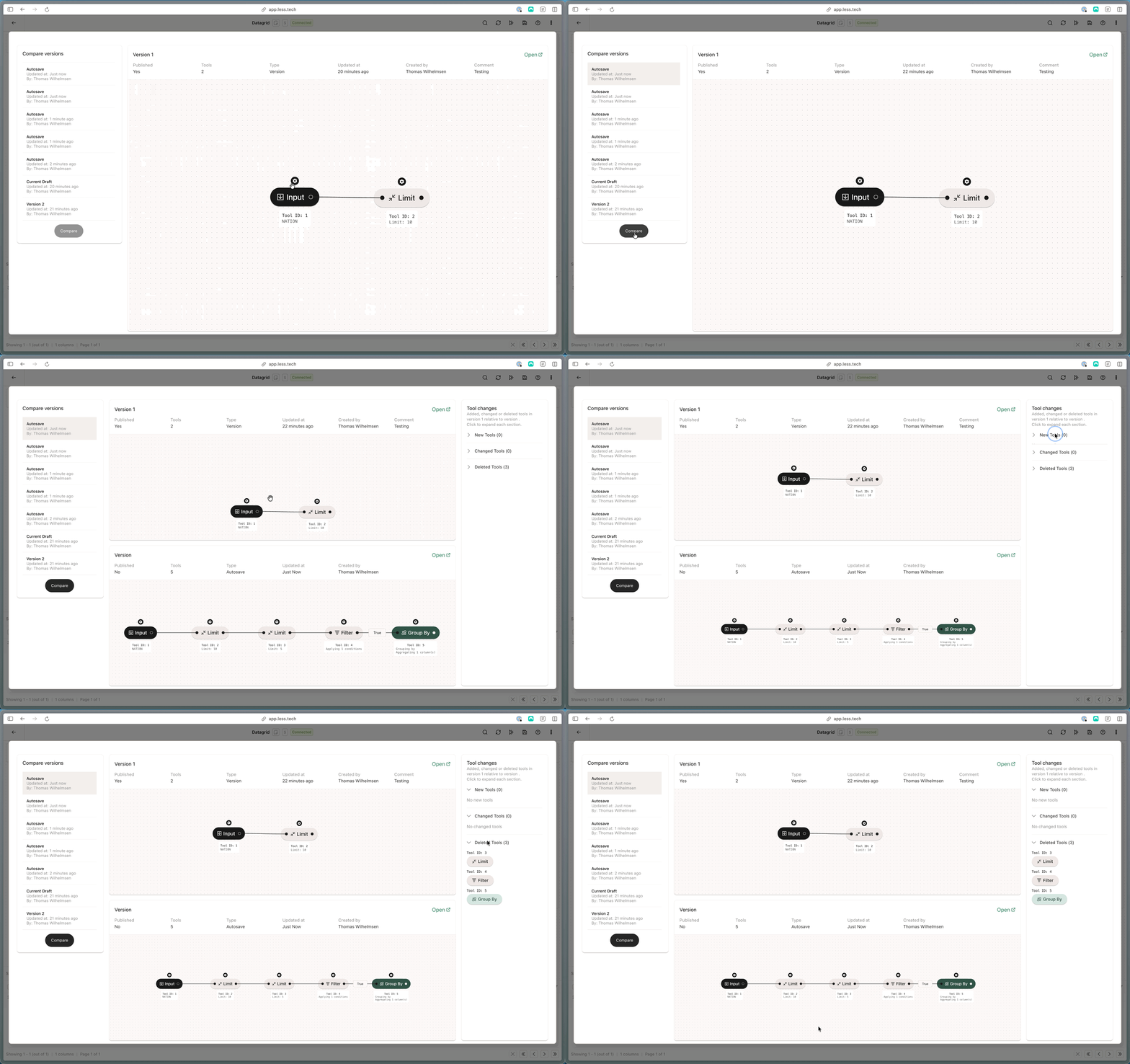
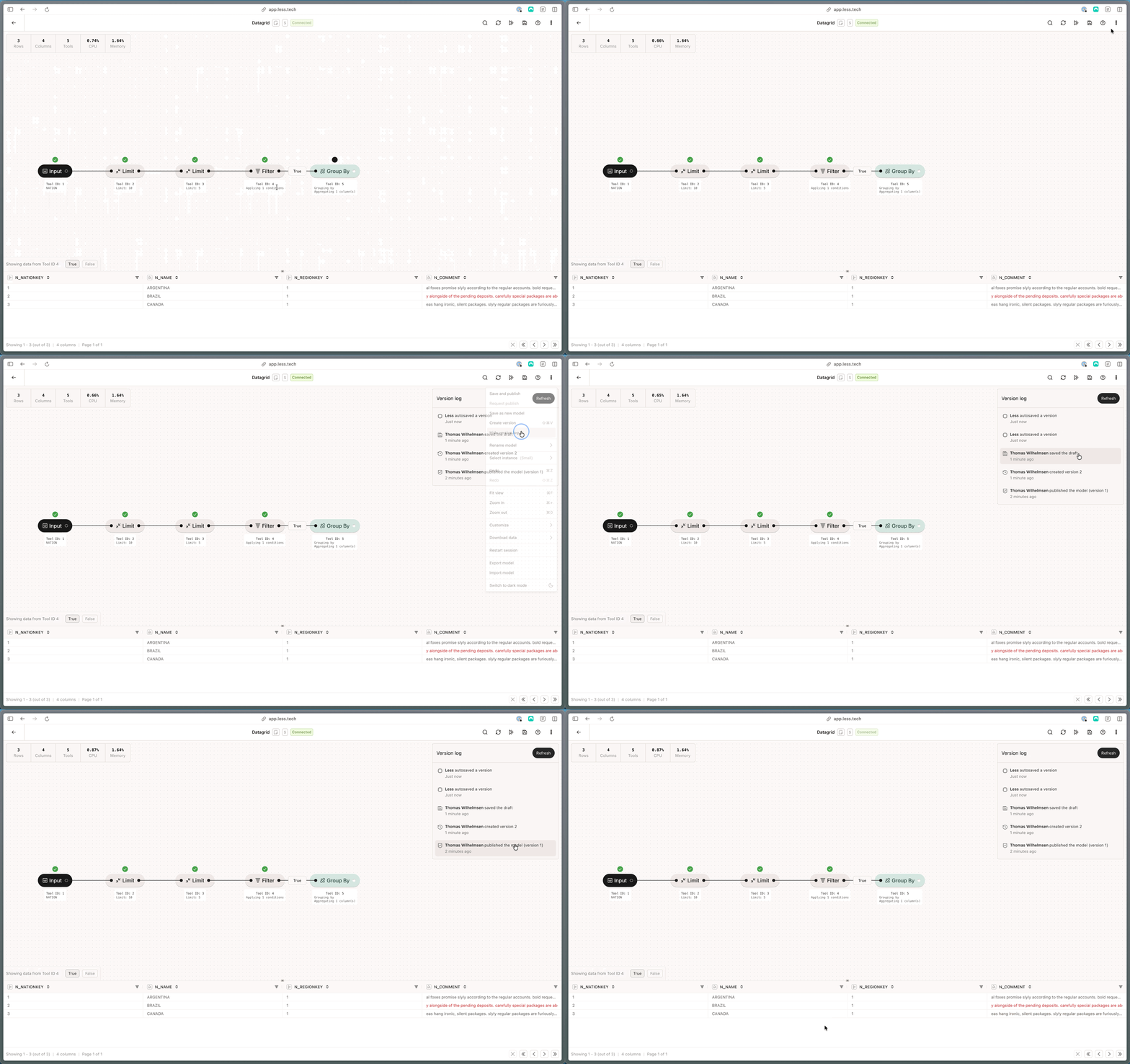
You can see and compare versions by navigating to the “options” menu in the top right corner and clicking “Show version log”. From there click on the version you want to see.