

Asset input
For all sources, you need to input a name. This is the name of the source that will be used to identify the source in the Less platform. The description is optional. You can also choose to add a table prefix to the source name. If you have for instance have multiple Shopify webshops, you should add the webshop name as a prefix to the source name. This is helpful to distinguish between the tables that the Sources creates.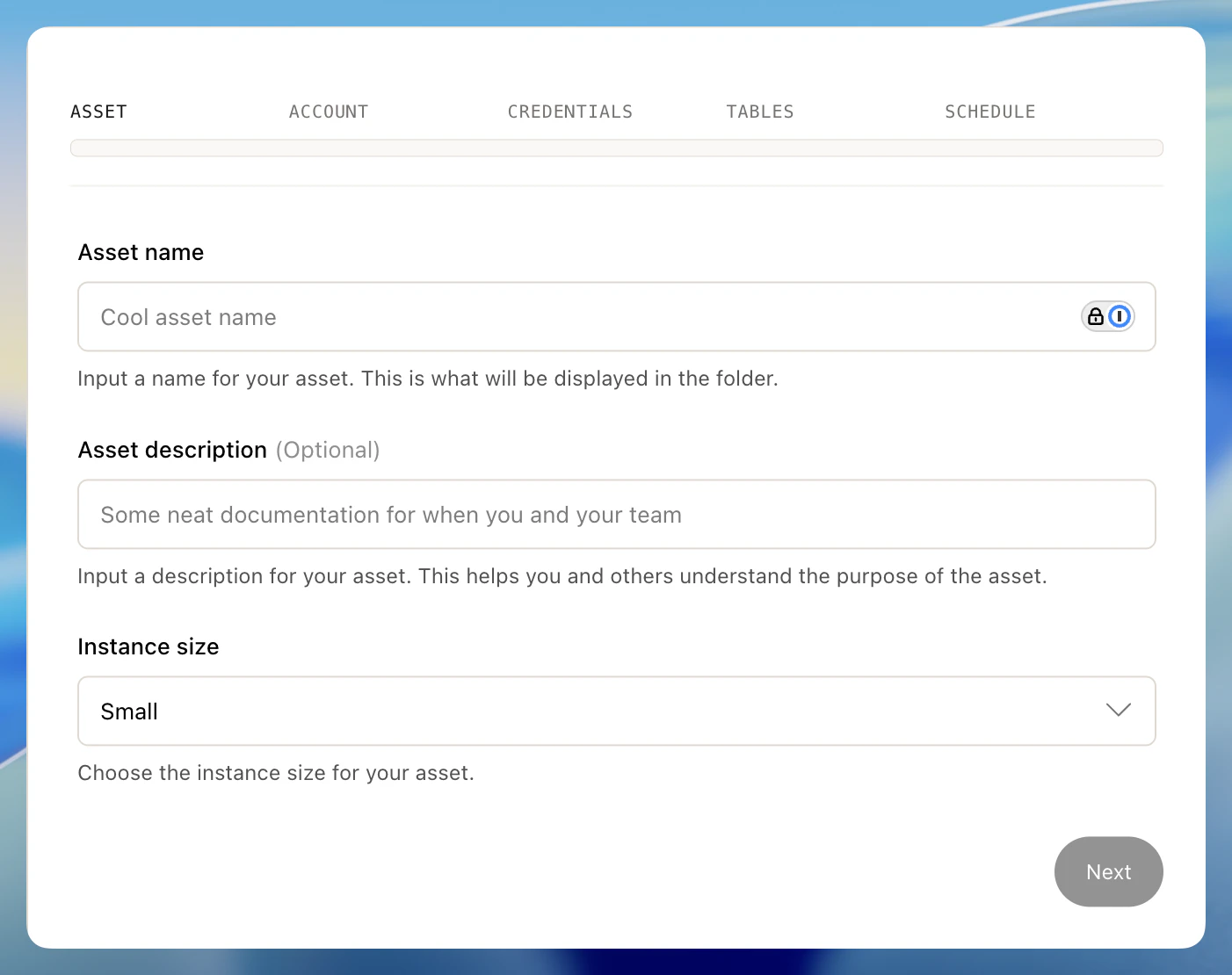
Scheduling input
You also always need to set a schedule. This is the schedule that will be used to run your source. You’ll see three options: 1) never to avoid scheduling, 2) basic or 3) cron.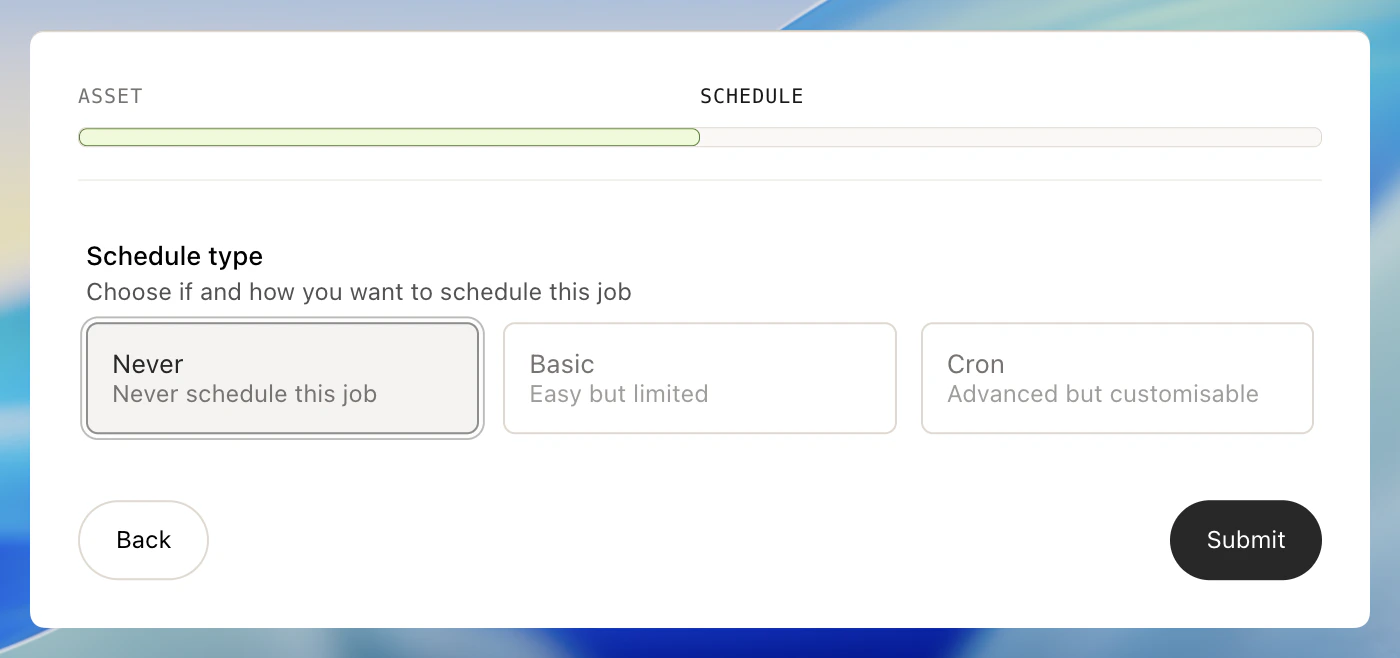
- Minute
- Hour
- Day of month
- Month
- Day of week
0 0 * * * would run the model every day at midnight. Where 0 in minute means at the start of the hour and 0 in hour means at the start of the day (i.e. midnight). * means every minute, every hour, every day, every month, every day of the week so in this case every day of every month at midnight.
You could also choose to input 15 8-17/4 * * 1-5 to run your model at 15 minutes past the hour, every 4 hours, between 08:00 AM and 05:59 PM, Monday through Friday. In sum, you have full control.
You can choose from one of our presets and you can also view the 10 next times the model will run given your cron expression.