Setup
There are two parts to setting up a HiBob source. You first need to create an API Service User in your Bob account. This is used to authenticate the source. You can find more information about how to create an API Service User here.1
Credentials
The first step is input API Service ID and API Service Token from the API Service User you created.
2
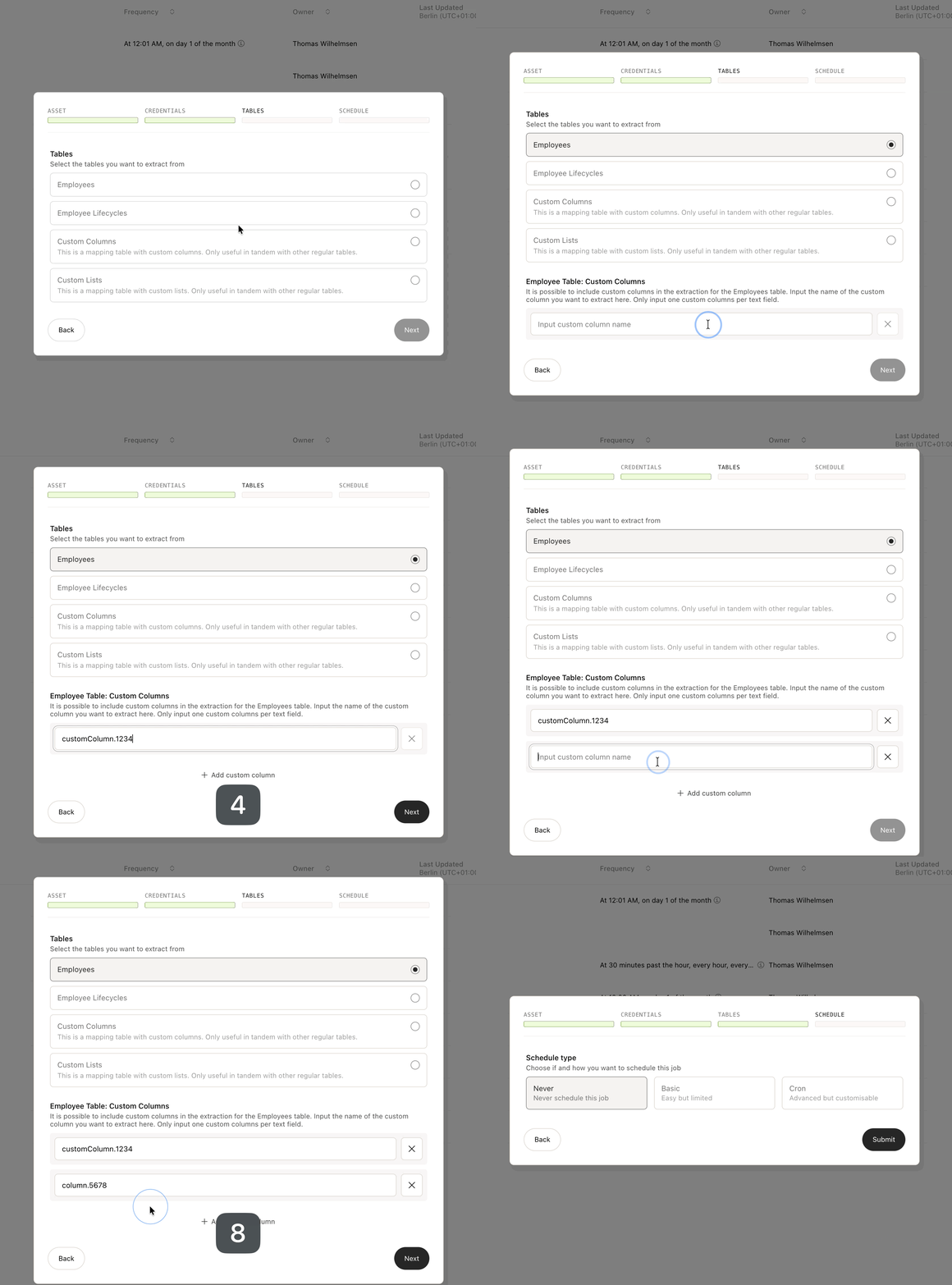
Tables
You need to select the tables you want to extract.If you select “Employee”, you can choose to specify certain custom columns. That looks like this (you can only input one column per item added):