

Setup
There are two parts to setting up a Files source. You first need to upload the file(s) you want to extract data from. You can upload multiple files at once but maximum 10 files per Source.1
Upload
The first step is upload the file(s) you want to extract data from. Maximum file size is 2GB.
2
Metadata
In the second step, you see each of your files as expandable items. It looks like this: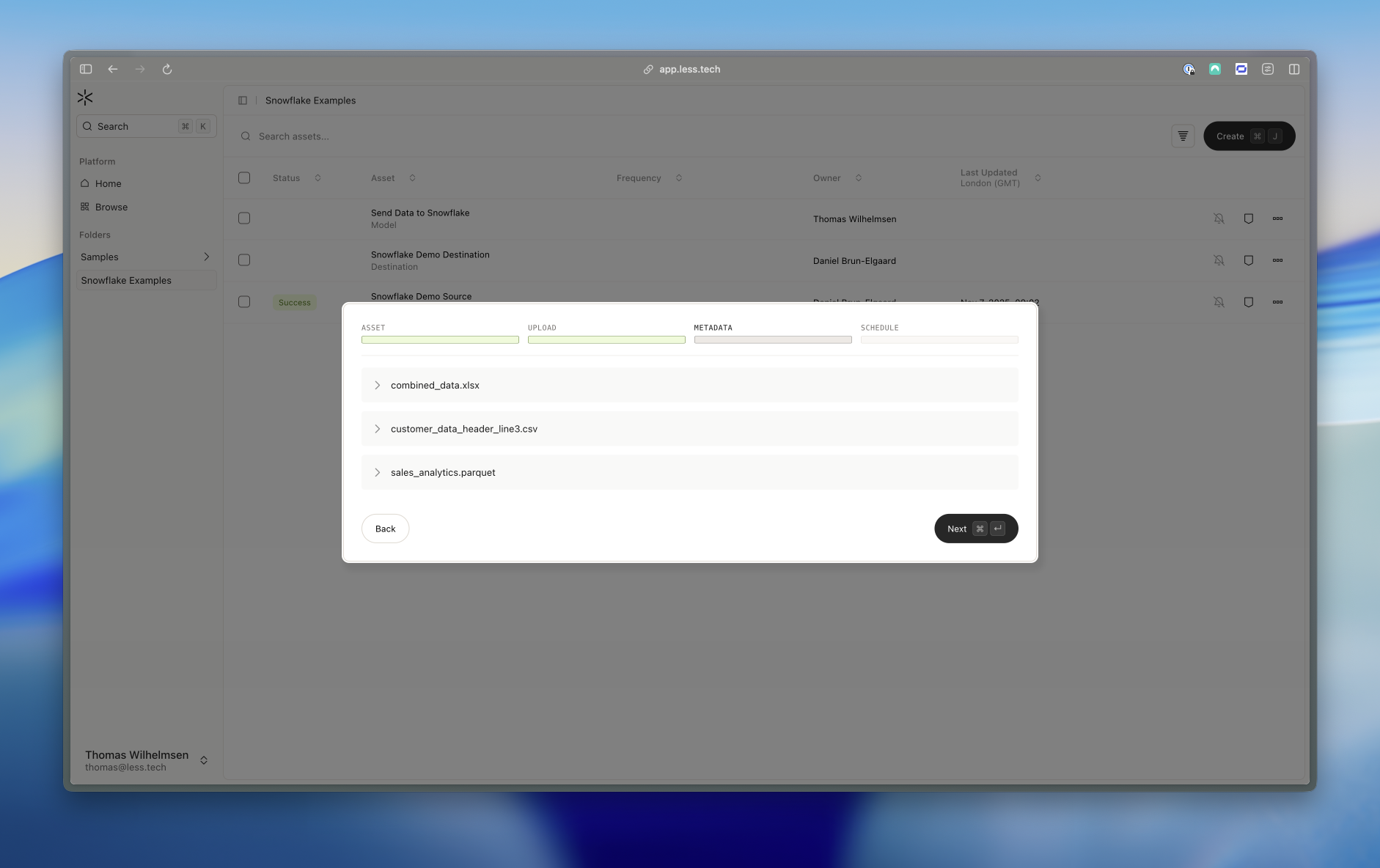 We scan each file to help you customize the extraction. We based this on the first 20 rows of the file.For CSV files, you can select the encoding, delimiter, skip rows and columns. The columns are based on the suggested skipped rows - i.e. if we suggest to skip 3 rows, the columns will be the first row after the skipped rows.For Excel files, you can select the sheet you want to extract. You can select more sheets if you want. For each sheet you can input the number of rows to skip and the columns to extract.For Parquet files, you can select the columns to extract.