Think of the Parameter tool as a store that holds one or multiple values you can use over and over again throughout your model. It can be very helpful to ensure consistency, flexibility, and organization in your model.

Example

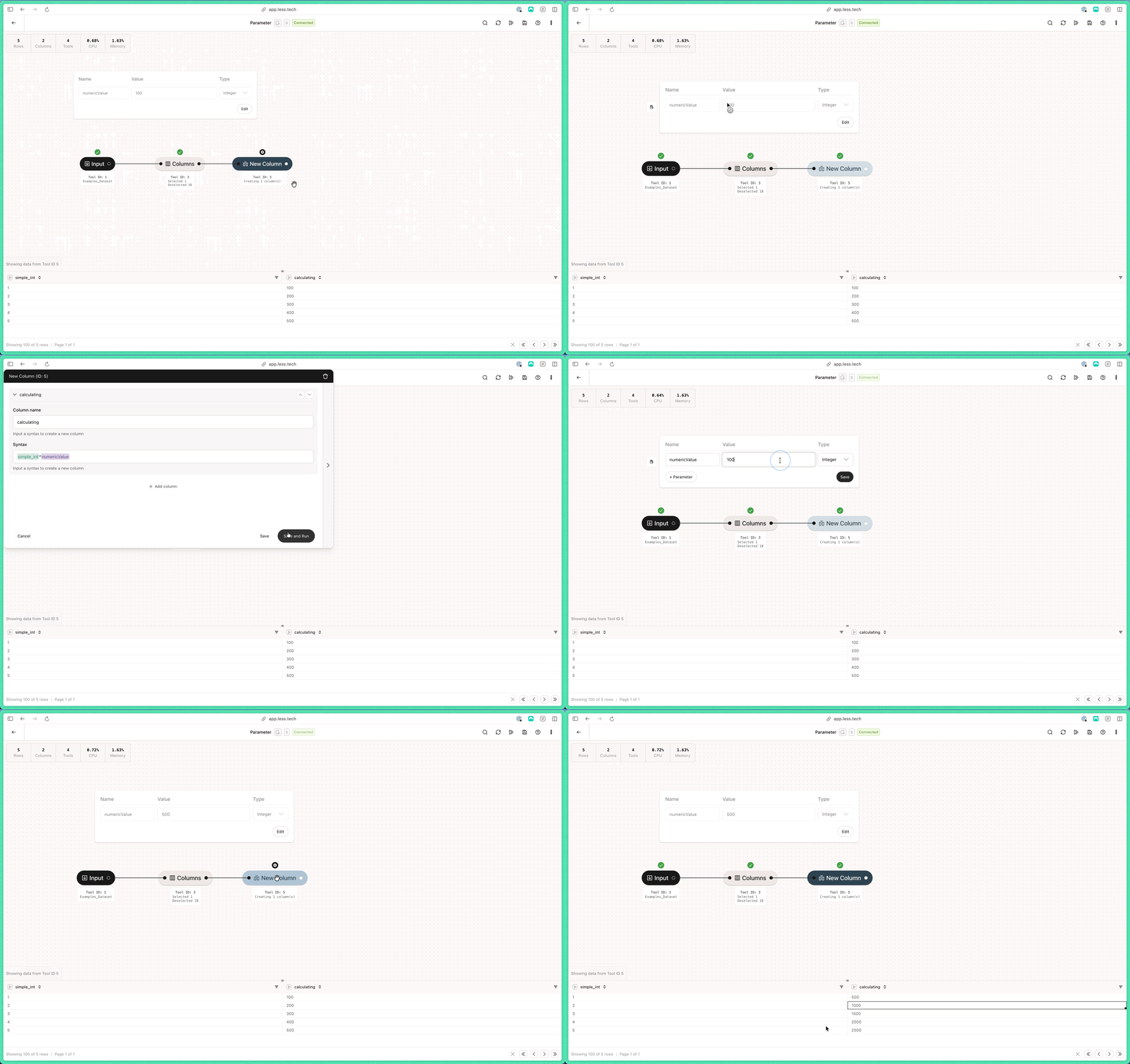
In the short video below, you can see that we created a Parameter called numericValue with a value of 100 (initially). We then reference the numericValue in a New Column tool to multiply our simple_int column with the value of the numericValue parameter. Initially, we get a value of 100, 200, 300, etc. But if we change the value of the numericValue parameter to 500, we get a value of 500, 1000, 1500, etc.
Parameter
You could have used the numericValue parameter in a 100 different tools. Changing it would then update all the values in the tools that reference it. We recommend that you read more about Parameters in the Canvas documentation.