The functionality of the Explode List tool is quite narrow. It is only used with List columns to parse them into multiple rows. Generally, as List columns are not supported in the majority of the tools, you will most likely use this tool in combination first before applying other tools.

Configuration

1

List column

Select the List column you want to parse (explode)
2

Select column(s) (optional)

Select the column(s) you want to keep after exploding the List column. If you don’t select any columns, the tool will remove all columns.

Example: Exploding a List column while keeping the original

In this example, we have a simple List column that we’d like to explode and parse to manipulate it further.
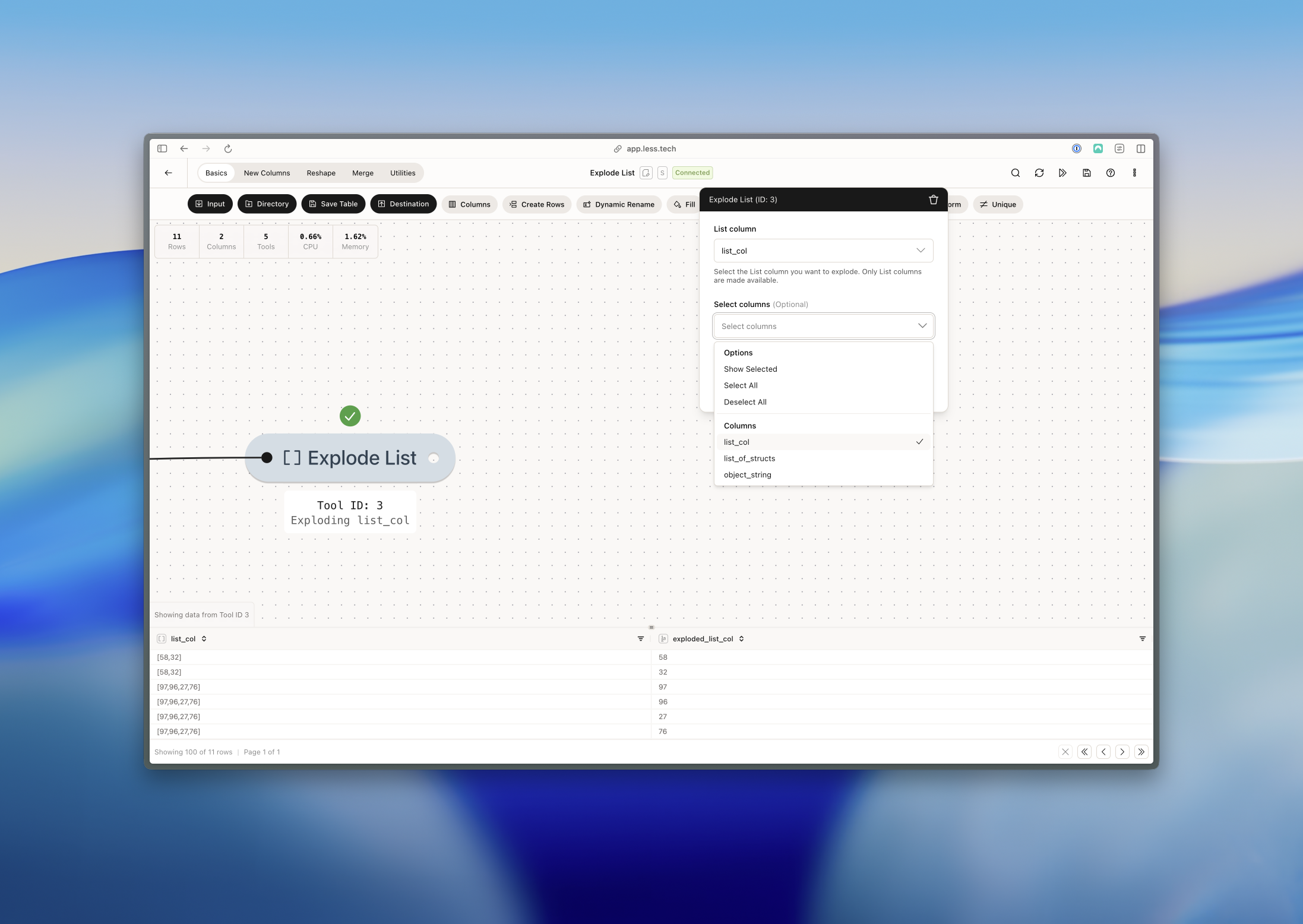
We can see that the List column has been exploded into the exploded_list_col while the original is still in the dataset - list_col. For each value in each row, the tool creates a new row.