- When you create a new asset in the root folder, it will be private by default. This means that only you can see and manage it.
- If you move an asset into a folder, it will inherit the permissions of the folder.
- If you create a new asset in a folder, it will inherit the permissions of the folder.
- You can set individual permissions on a nested folder in a folder that overrides the parent folder’s permissions.
You can very easily view your own permissions on an asset by hovering the shield icon of the asset.

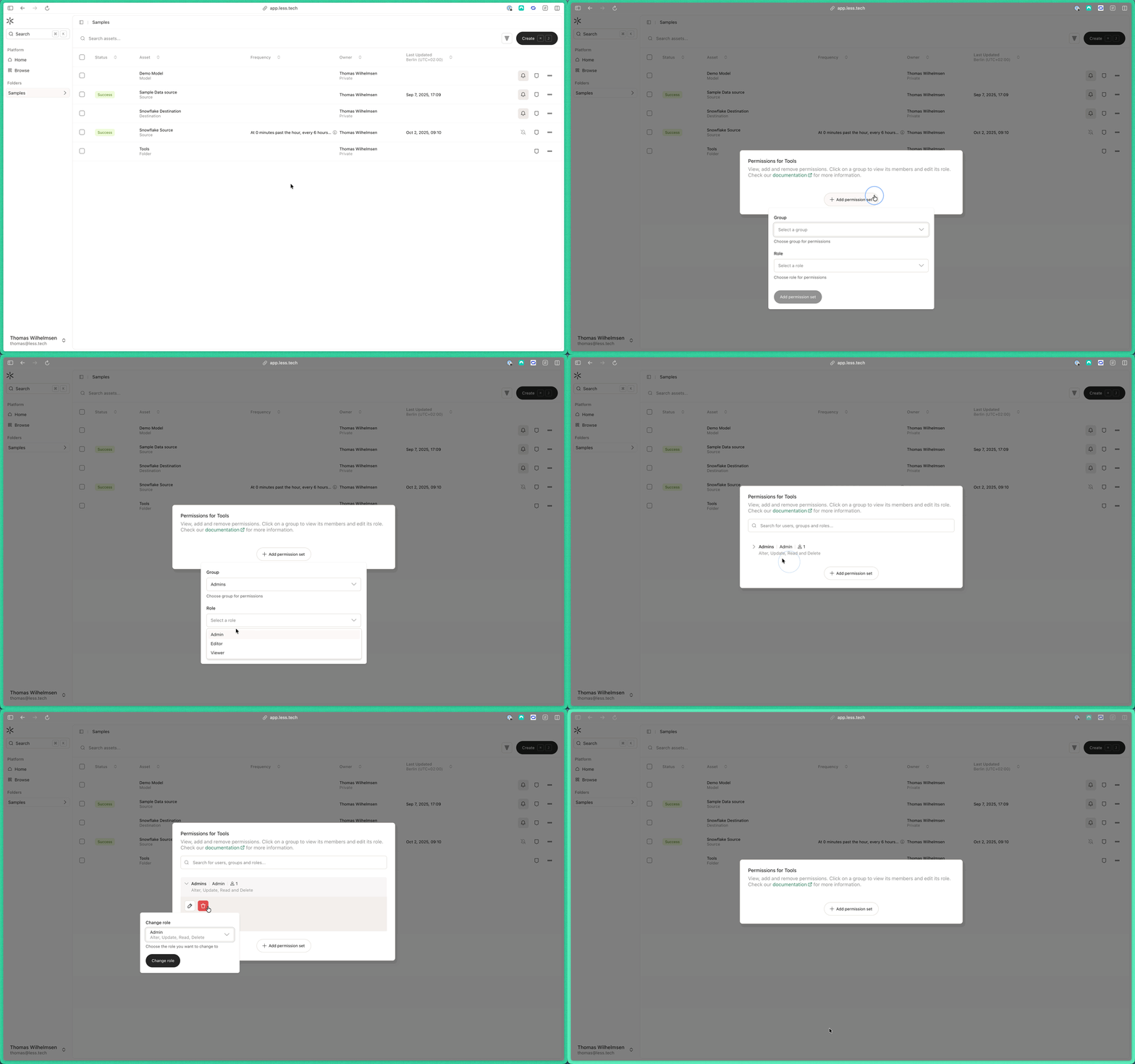
To set new permissions, click on the tree dots on the given Folder row and click “Permissions”. Here you can view the Groups that have permissions set on the folderand the Roles that have been assigned to them. You can also see their implicit abilities. To set a new permission, click on the ”+ Add permission set”. Then select the Group you want to add and the Role you want to assign to them. Then click “Add permission set”.