> ## Documentation Index
> Fetch the complete documentation index at: https://docs.less.tech/llms.txt
> Use this file to discover all available pages before exploring further.
# Manual Input
> Create data on the Canvas
The Manual Input is a very simple spreadsheet directly on the Canvas. You can use it to create data directly on the Canvas instead of having to upload files.
The Manual Input tool can only create string/text columns. Use the [Columns](/tools/basics/columns.mdx) tool to change column formats.
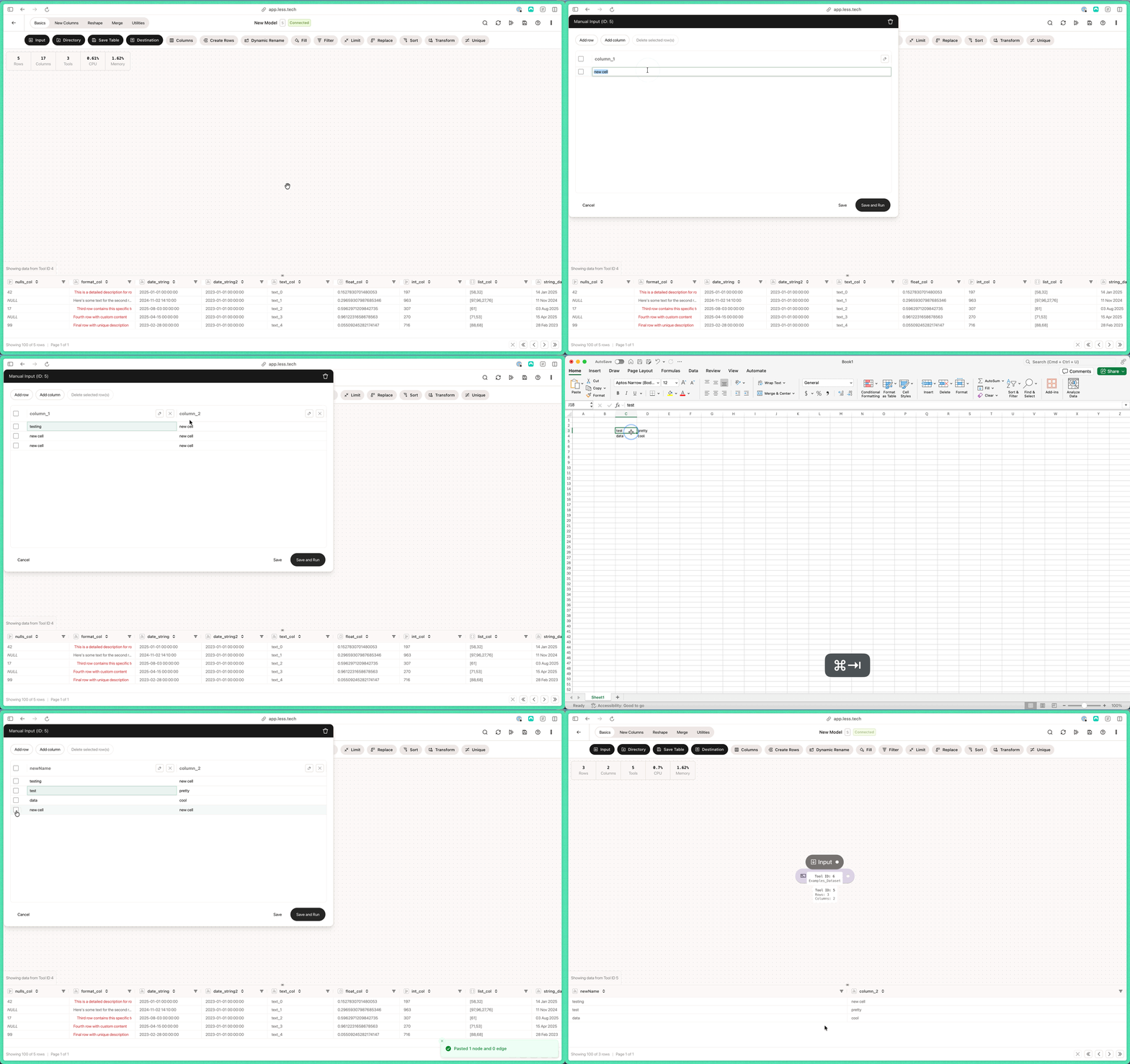 It is helpful for a bunch of different use cases. For instance, writing mapping data directly on the Canvas before a [Combine](/tools/merge/combine), adding a reference date before an [Append](/tools/merge/append) and a lot of user use it in tandem with [API](/tools/utilities/api) tools to input a URL and some headers or parameter values.